As a training professional, I typically have more than 1 Office version installed on my machine. While Office 2010 and 2007 in general can coexist nicely, with the exception of Outlook, there is an annoying aspect with Word: when switching from one version to the other, you get a dialog box that is asking you to “wait” while the Setup process is “configuring” Word:
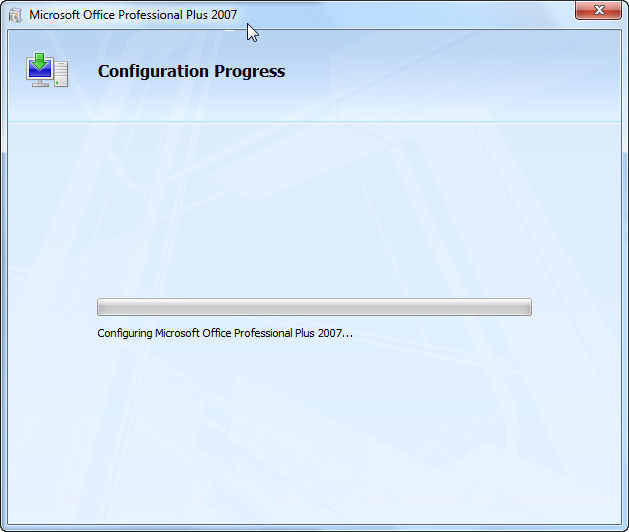
Thanks to this post on Herb Tyson’s Word Bible Blog, I finally got rid of this annoyance. The trick is to add a special value to the registry: add the DWORD NoReReg to HKEY_CURRENT_USER\Software\Microsoft\Office\12.0\Word\Options with value 1.
With a command prompt, you could do this as follows:
reg add HKCU\Software\Microsoft\Office\12.0\Word\Options /v NoReReg /t REG_DWORD /d 1
For Word 2003, use HKEY_CURRENT_USER\Software\Microsoft\Office\11.0\Word\Options
Worked perfect – thank you very much.